
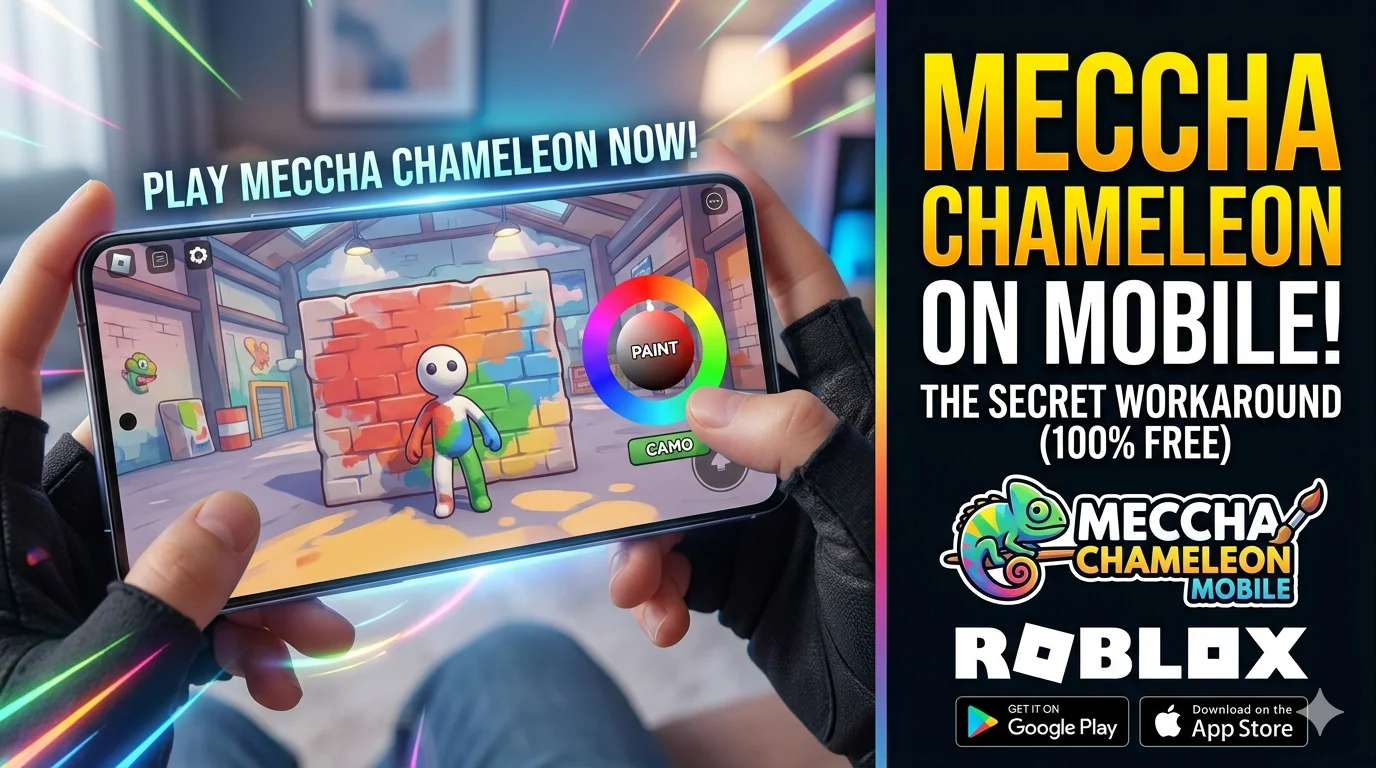
Meccha Chameleon has quickly become one of the most talked-about indie multiplayer games of 2026. Its unique hide-and-seek gameplay, colorful art style, and entertaining livestream moments have helped it gain popularity across Twitch, YouTube, and other gaming communities.
Many mobile gamers are now searching for ways to play the game on Android and iPhone. Unfortunately, there is currently no official mobile version available. This has also led to numerous unofficial websites offering fake APK downloads that may contain malware or other security risks.
In this guide, you’ll learn the safest ways to enjoy gameplay similar to Meccha Chameleon on your phone and what options are officially available.
Is Meccha Chameleon Available on Android or iPhone?
At the time of writing, Meccha Chameleon is officially available only for Windows PCs through Steam.
The developer has not announced an official Android or iOS release date. Until one is released, avoid downloading APK files from unknown websites claiming to offer the game. If an official mobile version launches in the future, it will most likely be announced through the developer’s official channels or the game’s Steam page.
Why Isn’t There an Official Mobile Version?
Several reasons may explain why the game remains PC-exclusive:
- Ongoing development
- Server optimization
- Bug fixes
- New content updates
- Limited development resources
For many indie games, supporting multiple platforms requires additional time and testing.
Safe Ways to Play on Mobile
Although there isn’t an official mobile app yet, there are two legitimate alternatives that many players use.
Option 1: Play Similar Experiences on Roblox
Roblox contains several community-created games inspired by color-matching and camouflage gameplay.
These experiences typically include mechanics such as:
- Painting your character
- Blending into surroundings
- Hide-and-seek gameplay
- Multiplayer matches
- Mobile-friendly controls
To get started:
- Install the official Roblox app from your device’s app store.
- Sign in or create a free account.
- Search for camouflage or paint-based hide-and-seek experiences.
- Join active servers with positive ratings.
Because these are community-created experiences, gameplay may differ from the original title.
Option 2: Use Steam Link
If you already own the PC version, Steam Link provides another option.
Steam Link lets you stream supported games from your computer to your smartphone over your local network.
General setup involves:
- Installing Steam Link
- Connecting your phone and PC to the same Wi-Fi network
- Launching Steam
- Streaming the game to your mobile device
This method requires:
- A compatible gaming PC
- Stable internet
- Good Wi-Fi performance
Avoid Fake Meccha Chameleon APK Downloads
Many websites advertise:
- Free APK downloads
- Unlimited versions
- Mod APKs
- Mobile beta releases
If there is no official Android release, these downloads should be treated with caution.
Risks include:
- Malware
- Data theft
- Fake installers
- Unwanted advertisements
- Device security issues
Always download apps from trusted sources such as:
- Google Play Store
- Apple App Store
- Official developer websites
Features Players Love
Part of Meccha Chameleon’s popularity comes from its creative gameplay.
Highlights include:
Camouflage Gameplay
Players attempt to blend into the environment using different colors.
Multiplayer Matches
Each round becomes increasingly challenging as players learn better hiding strategies.
Creative Art Style
The simple visual design makes gameplay easy to understand while remaining entertaining.
Quick Sessions
Rounds are relatively short, making the game suitable for casual gaming.
Mobile Gaming Tips
Whether using Roblox or Steam Link, these tips can improve your experience.
Use Stable Wi-Fi
A strong connection reduces lag during multiplayer matches.
Lower Graphics if Needed
Reducing graphics settings can improve performance on older devices.
Keep Your Device Updated
Installing the latest operating system updates helps improve compatibility and security.
Play with Friends
Many camouflage-style games become more enjoyable when played with friends or private groups.
Will an Official Mobile Version Release?
Currently, there is no confirmed release date for Android or iPhone.
However, if the game continues to grow in popularity, a mobile version could become a possibility in the future.
Until then, following official announcements is the best way to stay informed.
For more mobile gaming guides, Android app tutorials, and technology updates, check out the latest articles available on Jobz Hunting.
Frequently Asked Questions
Is Meccha Chameleon officially available for Android?
No. There is currently no official Android version available.
Can I play Meccha Chameleon on iPhone?
There is no native iPhone version at this time. However, players who own the PC version may be able to use Steam Link to stream gameplay.
Is there an official Meccha Chameleon APK?
No. Be cautious of websites claiming to provide official APK downloads, as they are not authorized.
Can I play similar games on Roblox?
Yes. Roblox includes several community-created camouflage and hide-and-seek experiences that offer similar gameplay mechanics.
Will Meccha Chameleon release on mobile in the future?
The developer has not announced an official mobile release, so there is currently no confirmed launch date.
Final Thoughts
Although Meccha Chameleon is currently limited to PC, mobile users still have legitimate ways to enjoy similar gameplay through Roblox experiences or by streaming the game using Steam Link if they already own it.
The most important thing is to avoid unofficial APK downloads claiming to offer the full game. Waiting for an official release or using trusted alternatives is the safest approach for protecting both your device and your personal information.